Do Instagram Growth Services Work? 6 Checks to Measure It
Quick answer
Instagram growth services work when your own Insights show it: more followers gained than lost, followers from the right locations and more accounts engaging, including non-followers. Save a baseline, then read 6 Insights numbers weekly for 4 weeks.
- Save a baseline first: account insights cover only the past 90 days.
- Check locations and non-follower engagement, not just the follower total.
- Insights does not show where a follower came from.
On this page9 sections
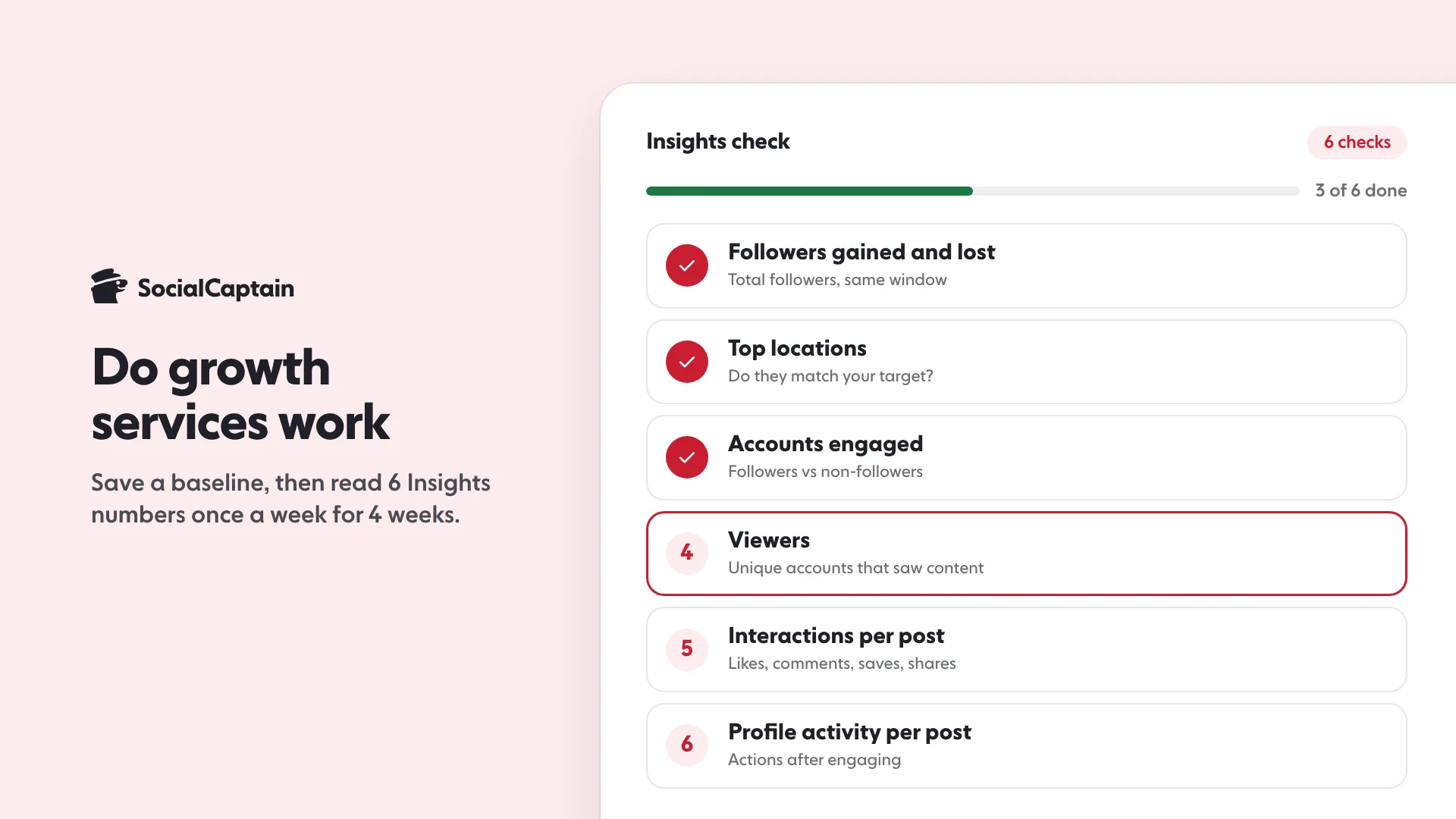
Instagram growth services work when your own Insights show it: more followers gained than lost, followers from the right locations, and more accounts engaging, including people who did not follow you before. Insights is where you measure it, so the proof is a measurement you make yourself. This guide gives 6 checks in Instagram Insights (followers gained and lost, top locations, accounts engaged, viewers, interactions and profile activity), a plan of 4 weekly readings, and the honest limits of what those numbers can tell you.
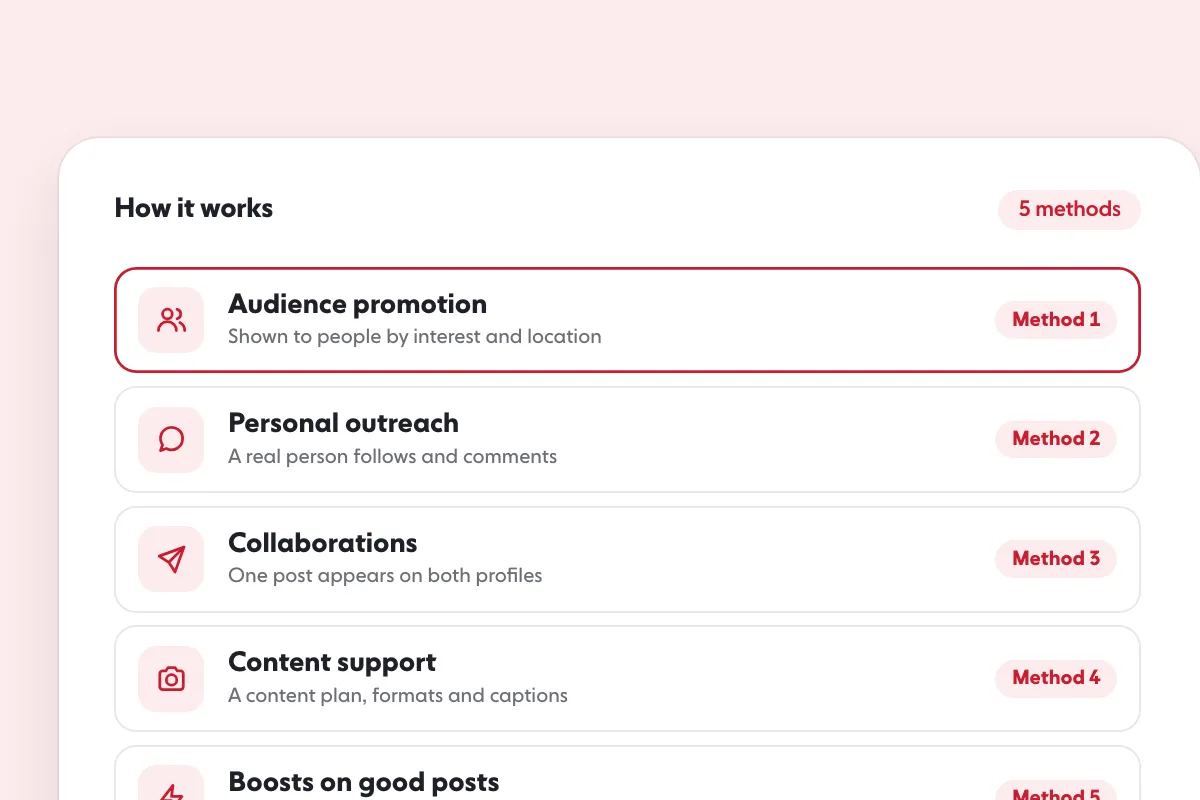
For how services work and what methods they use, read How Instagram Growth Services Work: 5 Methods Explained. This page covers the next question: how do you tell whether one is working for you?
What does “work” mean for an Instagram growth service?
Work means the account gets a larger audience of real people who fit the business, and that audience takes part. A follower count that rises is only the first of those. The count alone cannot tell a real follower from an empty account, and it says nothing about whether those people ever see or react to a post.
So the test has three parts:
- More followers gained than lost over the same window, not a higher total on one day.
- The right people: the countries and age ranges you wanted.
- Real activity: more accounts engaging with your posts, including accounts that do not follow you yet.
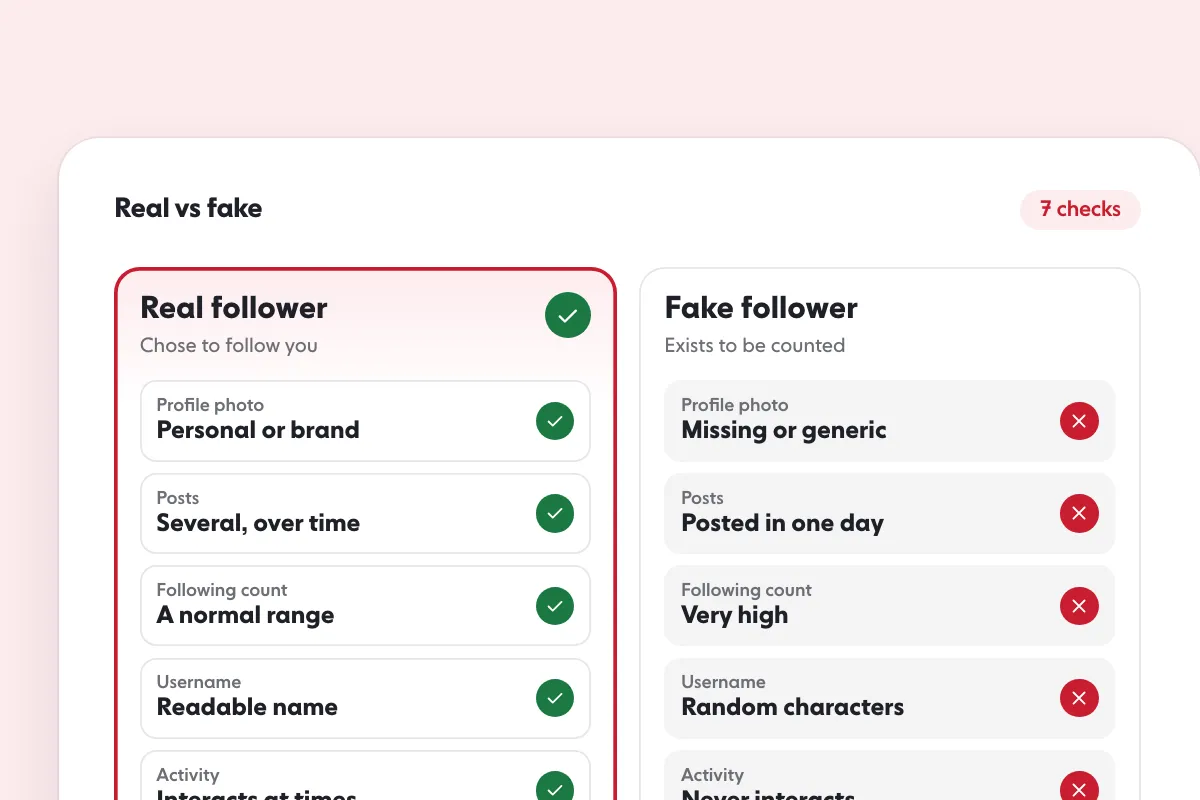
A service that moves only the first part has changed a number, not an account. That is the difference between the two kinds of “buying followers” explained in Buy Instagram Followers: Real vs Fake and 7 Checks. SocialCaptain sells real people from the customer’s niche, country and language, so the second check in this guide, top locations, is the one that tests the country part.
What should you record before a plan starts?
Record a baseline first. Without one, a later number has nothing to be compared with, and Instagram will not rebuild it for you: its help pages say account insights cover “any time period within the past 90 days”. After that window the account view no longer shows the period.
Follow these steps on the day before the plan starts:
- Open Insights. On instagram.com, select Dashboard in the left menu, then Insights below “For professionals” (or “Your dashboard” below “Your insights and tools” on a personal account), then choose Account or Content in the Insights menu. In the mobile app, open your profile and tap Insights, or use your professional dashboard.
- Set the date range to the last 7 days, then the last 30 days. Instagram’s date range page lists 7, 14, 30, 60 and 90 days as the presets in the app, and the instagram.com page lists 7, 14, 30 and 90.
- Write down the 6 numbers described below for each range, plus how many posts, Reels and Stories you shared in it. Do this in a spreadsheet you own.
- Open the Content view and write down views, interactions and profile activity for your three latest posts.
- Take a screenshot of each screen with the date range showing.
Insights is open to a public account, personal or professional. The date range page says that screen is for business and creator accounts in the mobile app, so what you see depends on the account type and where you look. Instagram notes that a metric such as Views is being introduced gradually and may not be available to you yet, so match the names below to what your own screen shows.
Which 6 Insights checks show whether a growth service works?
Each check uses a metric Instagram describes on its Insights help pages. The right column says what the number can and cannot show.
| # | Check | Where in Insights | What it tells you |
|---|---|---|---|
| 1 | Followers gained and lost | Total followers, Growth | Net movement in the window |
| 2 | Top locations (and age range) | Total followers | Whether the audience matches the one you wanted |
| 3 | Accounts engaged, followers vs non-followers | Accounts engaged, on a post, story or Live | Whether people outside your following react |
| 4 | Viewers | Viewers | How many unique accounts saw your content |
| 5 | Interactions per post | Content, post insights | Likes, comments, saves and shares per post |
| 6 | Profile activity per post | Content, post insights | What people do on your profile after engaging with a post |
1. Followers gained and lost
Instagram’s page describes the “Total followers” insight as trends across your followers, including “Growth (number of followers you’ve gained or lost)”. You need at least 100 followers to see it. Read gained and lost together. A growth service that brings followers while a similar number leave has made a smaller net change than the gained figure alone suggests.
2. Top locations and age range
The same Total followers section shows “Top locations of your followers” and “Age range”. This is the audience-fit check. If your customers live in one country and your followers sit mostly in another, the service is not reaching the audience you meant to buy. Compare the list with the baseline you saved. Locations should move toward your target, and a service that promises a country should be judged on this screen.
3. Accounts engaged: followers and non-followers
Instagram defines “Accounts engaged” as the number of unique accounts that have interacted with your content, and says that for posts, stories and Instagram Live you can see it “broken down into followers and non-followers”. Watch the non-followers share. Accounts that do not follow you and still react show your content reaching beyond your own list.
4. Viewers
“Viewers” is the number of unique accounts that have seen your content on screen at least once. It differs from views, which “may include multiple views of your reel by the same accounts”. If followers rise and viewers stay flat, new followers are not seeing your posts.
5. Interactions per post
“Interactions” counts “likes, comments, saves and shares”. Read it per post, not as a total for the window, so a week with more posts does not look like a better week. If you want the rate view, see How to Calculate Instagram Engagement Rate and What Is a Good Instagram Engagement Rate?.
6. Profile activity per post
Instagram’s post insights page describes “Profile activity” as “the number of actions people take when they visit your profile after engaging with your post”. It is the closest thing in Insights to a sign that a post made someone look further. A post that gets interactions and no profile activity brings approval but not visits.
How do you read the numbers over 4 weeks?
Read the same screens once a week for 4 weeks, on the same day, using the “Last 7 days” range. Four readings give you 4 points to compare with the baseline, which is more than one lucky post or one bad day can fake.
- Week 0 (baseline). Save the numbers from the section above.
- Week 1. Read all 6 checks and compare gained and lost with the baseline.
- Week 2. Read the 6 again. Compare accounts engaged, split into followers and non-followers, with week 0.
- Week 3. Read them again and check top locations against your target.
- Week 4. Read them one last time, then set the date range to the last 30 days and compare it with the 30-day baseline.
Here is how to read what you find. These are not thresholds from Instagram or from any study, only a way to decide what to do next.
| What you see | A likely reading | What to do |
|---|---|---|
| Gained rises, lost steady, locations move toward your target, non-follower engagement rises | The audience is growing in the direction you wanted | Keep the plan and keep posting |
| Gained rises, but top locations are not your target | The service is reaching the wrong audience | Ask the provider how the audience is chosen, before paying again |
| Gained rises, but viewers, interactions and profile activity stay flat | New followers are not taking part | Check content and posting rhythm first, then the provider |
| Gained stays flat | Little has happened yet, or the posts are not converting visitors | Compare with posting frequency; read Instagram Growth Strategy |
| Total drops in one week | Inauthentic or disabled accounts may have been removed, or normal unfollowing | Read gained and lost for that week before judging |
What are the honest limits of this measurement?
Insights cannot prove what a service caused. These are the limits, each from Instagram’s own pages or from the plain structure of the screens.
- Insights does not show the source of a follower. The definitions page lists views, viewers, interactions, accounts engaged, total followers and content shared. None of them is described as showing where a follower came from. A rise in followers during a plan is consistent with the plan working, with a good post, or with both.
- Some metrics are estimates. Instagram’s page says: “Some insights metrics are estimated and in-development.” Use the numbers to compare your own weeks with each other, not as exact counts.
- Account insights look back 90 days. Save your numbers weekly in your own file. Post insights are available for up to two years.
- Small accounts see less. Total followers needs at least 100 followers. Audience demographics for viewers or engaged accounts need “reach over 100 accounts” and a preset timeframe, not a custom one.
- The follower total can move without any action of yours. Instagram’s help page says: “We routinely remove disabled accounts to keep Instagram safe”, which means the total “may change, even within a short time”. Instagram also removes inauthentic activity. In its November 19, 2018 announcement it said it was “removing inauthentic likes, follows and comments from accounts that use third-party apps to boost their popularity”. That is one more reason to look at gained and lost, not just the total. See also Why Am I Losing Instagram Followers?.
- Content matters as much as the plan. The posts decide how many of the people who find your account stay and engage.
- No service can promise a fixed result. Anyone who guarantees a number of followers by a date is describing a delivery, not a result you can check against your own audience.
What should you do if the numbers stay flat?
Flat numbers after 4 weekly readings mean one of three things: the audience is wrong, the profile does not convert visitors, or the plan has not had time to move the account. Work through them in this order.
- Check the audience first. Look at top locations against your target. If they do not match, tell the provider and ask how the audience is set before paying for another period.
- Check the profile. Look at what a visitor sees first. How to Get More Instagram Followers: 12 Tactics That Work lists the profile fixes.
- Check the content rhythm. Compare the number of posts per window with the baseline. The posts have to be worth following.
- Use any refund window. If a provider offers one, plan your first weekly readings to fall inside it, so you decide while a refund is still possible.
If you want a list of providers to compare on the same criteria, see Best Instagram Growth Services.
What does SocialCaptain cost, and what does it sell?
SocialCaptain sells real people from the customer’s niche, country and language, not bots or fake accounts. See the Instagram growth service page.
Plans are Starter and Pro. On the 6-month plan the first payment works out to $27.99 a month for Starter and $39.99 a month for Pro. On the monthly plan it is $47.99 for Starter and $68.99 for Pro. Every first payment has a 14-day money-back guarantee. Current plans are on pricing.
To compare a service with a pack of followers, read Instagram Growth Service vs Buying Followers: 7 Differences.
FAQ
Do Instagram growth services work?
A service works if the account you see in Instagram Insights changes in the ways you wanted: more followers gained than lost, followers from the right locations, and more accounts engaging, including people who did not follow you before. You have to measure your own account.
How do you measure an Instagram growth service?
Save a baseline from Insights before the plan starts, then read the same 6 numbers once a week for 4 weeks: followers gained and lost, top locations, accounts engaged split into followers and non-followers, viewers, interactions per post and profile activity per post.
Can Instagram Insights show where a follower came from?
The metrics on Instagram’s Insights definitions page cover views, viewers, interactions, accounts engaged, total followers and content shared. None of them is described as showing where a follower came from, so Insights alone cannot prove a service caused a gain.
Can you compare Insights from before a growth service started?
Only if you saved the numbers. Account insights cover any period within the past 90 days, and insights for individual posts are available for up to two years. Save your baseline numbers yourself, because the account view will not show a period from before the last 90 days.
Why did my follower count drop after a growth service started?
Instagram says it routinely removes disabled accounts, which can change the follower total even within a short time. A drop can also be normal unfollowing. Check followers gained and lost in Insights for the same window before you decide anything.
Is an Instagram growth service worth it?
It is worth it if the followers it brings are real people who fit your audience and your account gets more reach and engagement from them. That is a result you can check after 4 weekly readings, not a promise any service can make for you.
Sources
- About Instagram insights help.instagram.com
- View account and content insights on Instagram help.instagram.com
- Select a date range for your account insights on Instagram help.instagram.com
- View insights on your Instagram posts help.instagram.com
- Changes to your likes, follows or comments on Instagram help.instagram.com
- Removing Fake Likes, Follows & Comments about.instagram.com
Related guides
Growth services
How Instagram Growth Services Work: 5 Methods Explained
Growth services
Buy Instagram Followers: Real vs Fake and 7 Checks
Follower growth
Instagram Growth Strategy: 5 Pillars and a 30-Day Plan
Written by Jonas Revel
Research editor
Jonas Revel runs research on the SocialCaptain blog: the statistics pages, account safety, and the fact-check every article gets before it goes live. Each number is traced to its original source and dated, and figures that cannot be traced are left out.
All articles by Jonas Revel


