How to Get Famous on Instagram: 8 Ways to Reach New People
Quick answer
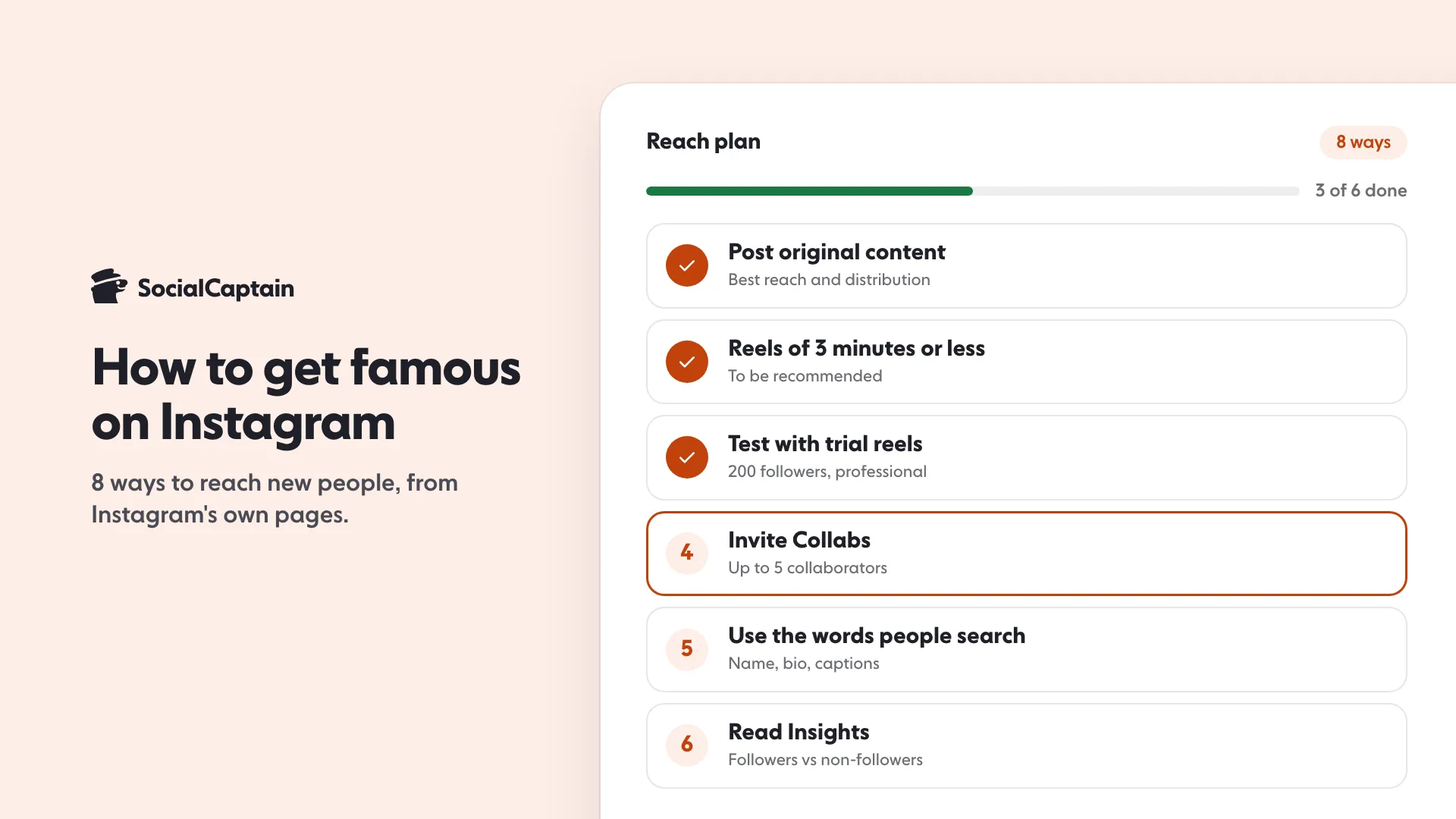
Instagram publishes no formula for fame, only how it shows content to new people. Post original content, keep reels to 3 minutes or less, test ideas with trial reels (200 followers on a professional account), invite Collabs (up to 5) and read Insights.
- Fame means reaching people who don't follow you yet.
- Reels must be 3 minutes or less to be recommended.
- Trial reels open at 200 followers on a professional account.
On this page9 sections
To get famous on Instagram, you have to be shown to people who do not follow you yet. Instagram’s own pages point to 8 ways to make that happen: post original content, keep reels to 3 minutes or less, test ideas with trial reels (open at 200 followers on a professional account), invite Collabs (up to 5 people on a reel), use the words people search for, make posts people share and save, protect your eligibility, and read Insights to repeat what reached non-followers. None of them is a trick, and Instagram publishes no formula for fame.
This guide puts the 8 in order of how directly each one changes who sees your content. For viral reach on one post, see how to go viral on Instagram; for the broader follower plan, see how to get more Instagram followers. This page is about the plan around it.
What does Instagram say decides who sees your posts?
Not one algorithm. Instagram’s ranking explainer, published 31 May 2023 by Adam Mosseri, says Instagram does not have a “singular algorithm” but uses “a variety of algorithms, classifiers, and processes, each with its own purpose”. Feed, Stories, Explore and Reels each rank on their own.
The signals differ by surface. Based on that page:
| Surface | Top signals, in rough order |
|---|---|
| Feed | Your activity (likes, shares, saves, comments), information about the post, information about the poster, your history with the poster |
| Explore | Information about the post (popularity signals “matter much more” than in Feed), your activity in Explore, your history with the poster |
| Reels | Your activity, your history with the poster, information about the reel, information about the poster (follower count and engagement level) |
| Stories | Viewing history, engagement history, closeness (only accounts you follow are ranked) |
For fame, the surfaces that reach strangers are Explore and Reels. So the plan below is built around those two. For how Explore picks posts, see the Instagram Explore page.
Two lines from Instagram’s own pages explain why strangers matter. On Explore, “the grid is made up of recommendations” from accounts you do not yet follow, and the most important actions Instagram predicts there are likes, saves and shares. On Reels, “the majority of what you see is from accounts you don’t follow”. Reaching people who have never heard of you therefore runs mostly through those two surfaces, and that is the part of fame Instagram’s pages explain.
What are the 8 ways to reach new people?
1. Post original content
Instagram’s creator pages say to make original content, whether video, photo or text. Its help page on original content says content is original when “it is created by the same account that posts it”, and that original content may see “increased reach and distribution”. Content that others posted first, shared without a material edit, is flagged as unoriginal. The detail is in Instagram theme pages and the originality rules.
Instagram’s help page on originality adds what to do instead of reposting: “simply stitching together clips or adding a watermark does not qualify as materially edited content”. If you want to share another account’s reel or post to your audience without changes, the page recommends reposting it to your followers or sharing it to your stories, both of which credit the original creator. The creators page suggests the Remix tool to add your own spin to a popular reel.
2. Keep reels to 3 minutes or less
Instagram’s creators page says reels need to be 3 minutes or less to be eligible for recommendation. Its ranking page adds that reels may be less visible when they are low resolution, watermarked, muted, bordered, mostly text, or already posted on Instagram.
3. Test ideas with trial reels
Trial reels let you “share reels with accounts that don’t follow you” before your followers see them. You need a public account with at least 200 followers if it is a professional account, or 1,000 if personal. A trial reel does not appear in your followers’ feed or on your profile unless you choose Share to everyone, and Instagram says trial reels “don’t impact the performance or ranking of your standard reels content”. Insights appear within 24 hours. Full steps are in Instagram trial reels. In short, from Instagram’s help page:
- Record a new reel. Instagram warns a trial reel may get limited reach if it detects you have shared the same content before.
- Before you share, tap Trial, then Next, then Share.
- Open the trial reel’s insights from your profile after sharing. When it is doing well, tap View insights, then Share to everyone.
- Optional: under Trial settings, turn on Share to everyone automatically. Instagram then shares the reel by itself if it performs well soon after you publish, based on signals such as views and engagement. The setting applies to every future trial reel until you change it.
Instagram also notes that some followers may still see a trial reel if someone sends it to them in a direct message, if it appears on a page of reels with the same audio, or in search engine results, and that trial reels may take longer to get views because they are shown to people who do not follow you.
4. Collaborate
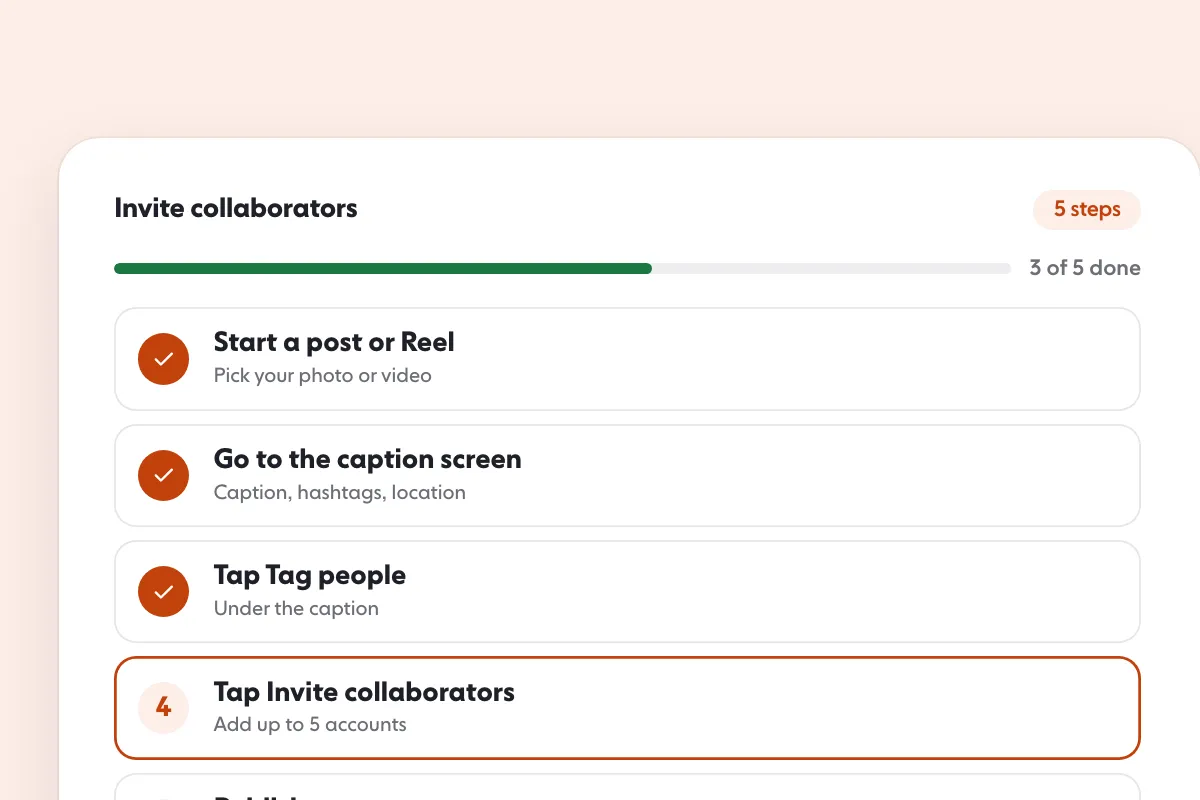
Instagram’s reels tips page says you can “Add up to 5 collaborators”: create your reel, tap Tag people, tap Invite collaborators, add them and share. The page says this expands how many people see your post. The reach only grows if the people you invite accept, and a private account can invite collaborators if they follow it back. See Instagram collab posts for how to choose partners. The creators page adds that Collabs and Enhanced Tags can be recommended in places like the Reels tab, Explore and Feed.
5. Use the words people search for
Instagram’s creators page says adding relevant keywords to your content, captions, bio and hashtags helps followers and non-followers find you. Instagram’s search page says the system weighs “the similarity between the words used in your search and those in the account’s username or profile name”. Your name, bio and captions are search text, so say what the account is about.
6. Make posts worth sharing and saving
Instagram says reels are ranked on predictions such as whether people will reshare, watch all the way through and like, and that “visiting the audio page” is treated as a sign of being inspired to make your own. On Explore, likes, saves and shares are the key predicted actions. A post that people send to a friend is doing the job those signals describe.
7. Protect your eligibility
Instagram has a page called Account Status. It shows removed content and features you can no longer use, and lets you request a review. Instagram also says a public account that is ineligible for recommendations loses trial reels until it is eligible again. Check it before you assume a reach problem is the content. If the account is fine and reach is still flat, why an Instagram account is not growing lists the other common causes.
8. Read Insights and repeat what worked
Instagram suggests using Insights to compare reach among followers and non-followers over different time frames and “keep tabs on which pieces of content are getting more reach to help inform your content strategy”. That is the loop: post, read, repeat. Instagram Insights shows which numbers to watch.
Instagram’s current insights page lists an overview of Views, Interactions, New followers and Content you shared, and says Viewers means the number of unique accounts that saw your content on screen at least once. For posts, stories and Instagram Live, Accounts engaged can be broken down into followers and non-followers; that is the number to watch for fame. Audience demographics need more than 100 accounts reached or engaged, and a date range can be any period within the past 90 days. Some of these metrics are labelled estimated and in development, so treat small differences as noise.
One more tip from the creators page costs nothing: ask your most loyal followers to add you to their Favorites, which the page says makes your content show higher in their feeds.
How do you switch to a professional account?
Several steps depend on it, and Instagram’s help page gives the path. In the app:
- Tap your profile picture in the bottom right, then tap More to open Settings and activity.
- Below For professionals, tap Account type and tools, then Switch to professional account.
- Choose the category that best describes what you do. Instagram says the category does not decide whether you get a business or creator account.
- Tap Switch to professional account, choose Creator or Business, then tap Next.
Instagram says you can switch back to a personal account at any time, and that a private account becomes public when you switch. Creator accounts suit public figures, content producers, artists and influencers; business accounts suit retailers, local businesses, brands and service providers.
Which of the 8 should you start with?
It depends on what is stopping you. Use the table to find your first move.
| Where you are | Start with | Why, from Instagram’s pages |
|---|---|---|
| Under 200 followers on a professional account | Original reels, search words, Collabs | Trial reels need at least 200 followers on a professional account, 1,000 on a personal one |
| 200 followers or more, public account | Trial reels | Test ideas on non-followers without touching your standard reels’ ranking |
| Content is mostly reposts | Original content | Reposted reels and watermarks make recommendation less likely |
| Reach suddenly dropped | Account Status | It shows removed content and features you can no longer use |
| Posts reach followers only | Search words and Insights | The followers versus non-followers split shows where reach stops |
| Private account | Collabs, after going public if you can | Trial reels need a public account; a private account can still invite collaborators who follow it back |
How the method works in practice: post a few trial reels in one month. Instagram shows insights for each within 24 hours. Keep the formats with the most shares and views from non-followers, make your next reels in that style, and drop the weakest formats. The following month’s reels then come from what already worked on strangers.
How do you check Account Status?
On the web, click More in the bottom left, then Settings, then Account Status below More info and support. For professional accounts it lets you view removed content, view features you can no longer use, and request a review of a decision you disagree with. Instagram says that if you repeatedly post content that is removed for going against its Community Standards you may lose access to your account, and that in most cases you get a warning first. The creators page also says some content that breaks Recommendation Guidelines can still reach your followers but is not recommended to non-followers in Explore, Search and Reels, which is exactly the reach fame depends on.
What is the order to do them in?
- Switch to a professional account (trial reels need 200 followers on one).
- Set the name, bio and first captions with the words people search.
- Post original reels of 3 minutes or less, as often as you can keep them good.
- Test the riskiest ideas as trial reels.
- Invite a Collab whenever a partner’s audience fits yours.
- Check Account Status and Insights regularly.
What does Instagram not tell you?
Instagram’s pages do not publish a posting schedule, a follower number for fame, or how many views make a reel go viral. Anyone offering those is guessing. They also describe no shortcut that works around the rules. Instagram’s help pages say that giving your username and password to apps offering likes or followers can get an account restricted, so avoid them.
What fame needs most is the first audience. A page with few followers has few people to share and save its posts, which is why the first stretch is slow. If you want real followers who match your niche, country and language while you build the content, our Instagram followers service does that, and pricing lists the plans. The content still has to be worth following.
FAQ
How do you get famous on Instagram?
Instagram describes no formula for fame, only how it shows content to new people. Post original content, keep reels to 3 minutes or less, test ideas with trial reels, invite Collabs, use search keywords in your profile and captions, and check Insights for what reaches non-followers.
How many followers do you need to be famous on Instagram?
There is no number in Instagram’s pages. Its tools set minimums: 200 followers for trial reels on a professional account (1,000 on a personal one) and 500 followers for Gifts.
Does posting every day make you famous on Instagram?
Instagram’s ranking page does not name posting frequency as a signal. It lists what viewers do with a post, such as likes, comments, shares and saves, and how fast. A steady rhythm helps you make more posts that can earn those actions.
Do Collabs help you get discovered?
Instagram’s reels tips say a Collab lets you invite up to 5 collaborators on one reel, which expands how many people see it. The extra reach only happens if the invited accounts accept.
Can you get famous on Instagram with a private account?
It is harder. Trial reels need a public account, and Instagram’s recommendation features are about showing content to people who do not follow you.
Is buying followers a way to get famous on Instagram?
No. A number does not bring viewers, and Instagram’s monetization rules say creators may lose the ability to monetize if their audience significantly consists of fake engagement. Followers who match your niche are the ones who watch and share.
Sources
- Tips for Improving Your Reach creators.instagram.com
- Instagram Ranking Explained about.instagram.com
- About trial reels on Instagram help.instagram.com
- Instagram Reels Tips & Tricks: Create Engaging Videos about.instagram.com
- Instagram Search transparency.meta.com
- Check your Account Status on Instagram help.instagram.com
- About original content on Instagram help.instagram.com
- Set up a professional Instagram account to access business or creator tools and controls help.instagram.com
- About Instagram insights help.instagram.com
- How to earn money on Instagram Gifts help.instagram.com
- Instagram Partner Monetization Policies help.instagram.com
- Why your account has been restricted for data scraping and what can you do help.instagram.com
Related guides
Follower growth
Instagram Collab Posts: How They Work in 5 Steps
Follower growth
How to Get More Instagram Followers: 12 Tactics That Work
Algorithm and reach
Instagram Explore Page: How It Works and 6 Ways to Appear
Written by Clara Ivens
Instagram growth editor
Clara Ivens covers Instagram growth on the SocialCaptain blog: followers, Reels, hashtags, bios, captions and how reach works. Each guide follows Instagram's own help pages and announcements, and lists its sources at the end.
All articles by Clara Ivens


